317
Created by Laszlo Barath
Senior Creative Engineer | Full-Stack Software Architect Web-Based CAD, Parametric Systems & Logic-Driven UI
I design and build complex, logic-driven web systems where engineering precision meets creative execution.
My work focuses on parametric thinking, scalable system architecture, and interactive user experiences.
Aktualisiert:: 14. August 2026
LEGO® Website-Redesign & Konzept – UI/UX-Fallstudie - Teil 2
Development2026
Estimated reading time: ~ 1 min read
?
So erkundest du diese Fallstudie ↓
1. Klicke auf ein beliebiges Bild, um es in der Galerieansicht zu öffnen.
2. Verwende die Navigationspfeile, um durch die Arbeiten zu blättern.
3. Klicke oder doppeltippe auf ein Bild, um es zu vergrößern und Details zu betrachten.
4. Klicke oder doppeltippe erneut, um zur vollständigen Ansicht zurückzukehren.
5. Schließe die Galerie, um die Fallstudie weiter zu erkunden.

What's Coming in Part II (1.0.0-beta.2)
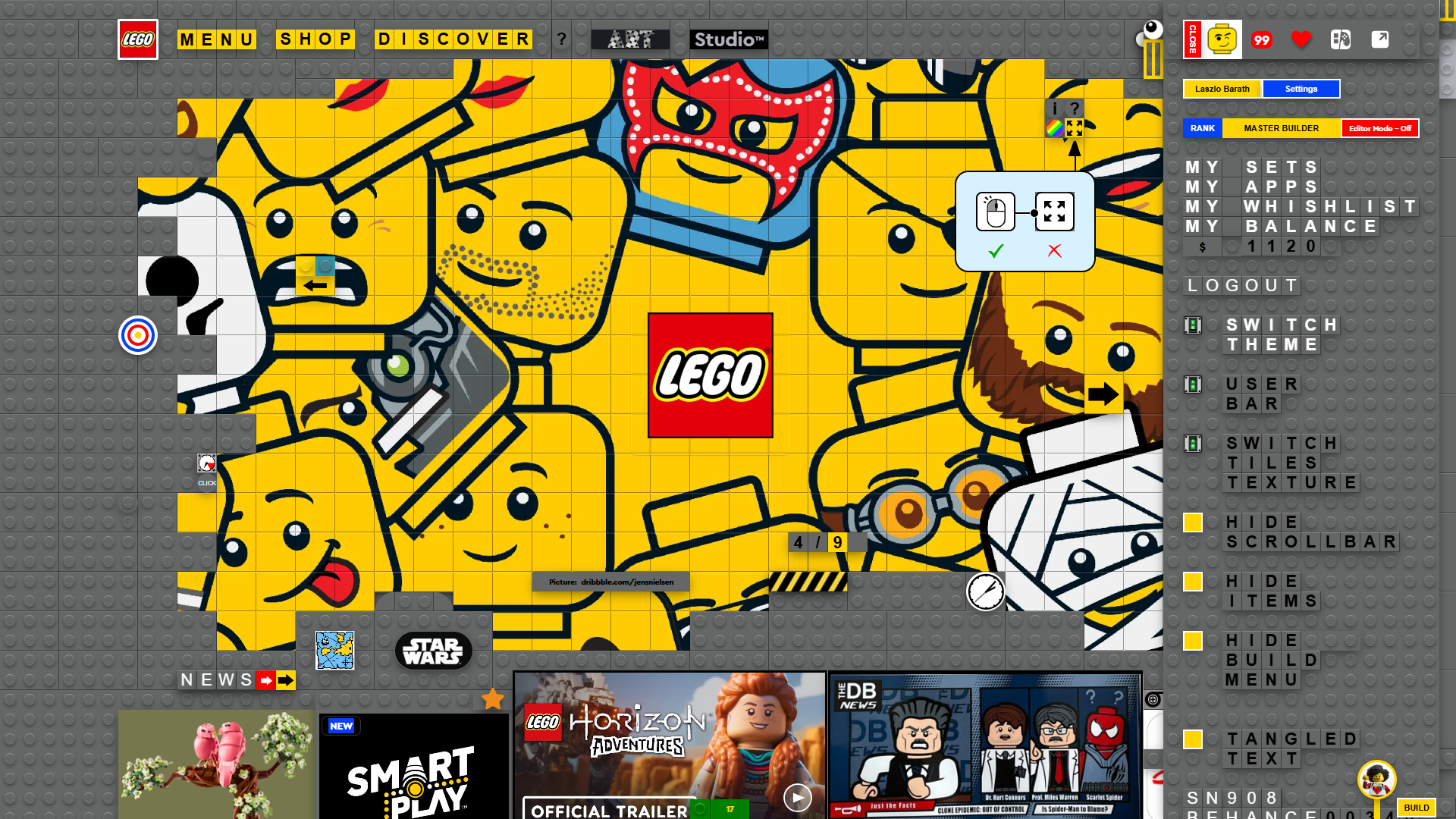
Part II moves beyond the visual concept and focuses on the technologies that transform the project into a complete product-ready platform. It introduces the editor, rendering architecture, responsive build system, administration tools, performance engine and the core technologies behind the entire LEGO experience.
- DOM Structure Optimization
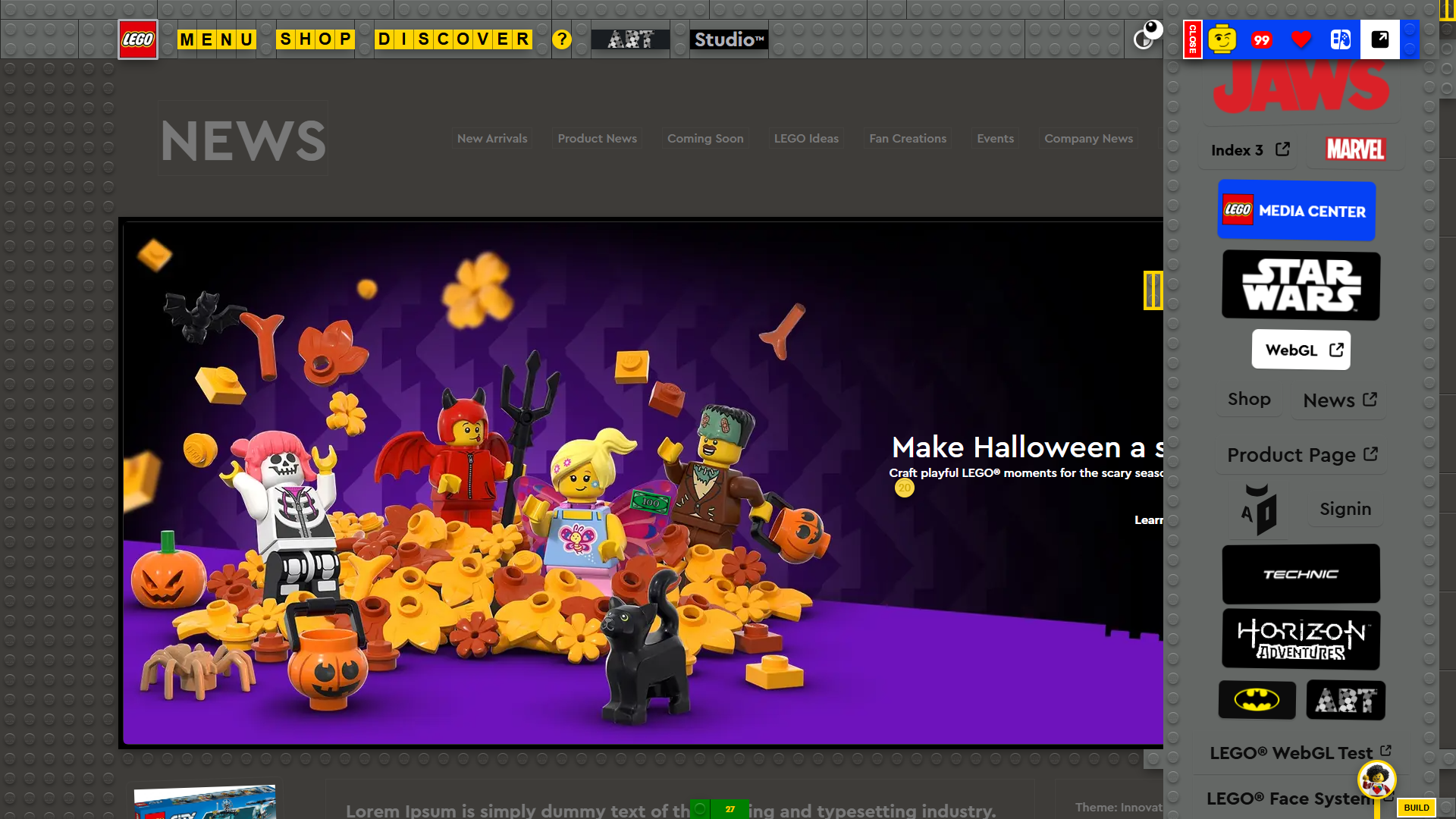
While developing the brick building system, I encountered a significant technical challenge: complex LEGO structures can easily generate an excessive number of DOM elements. To address this, I'm developing a custom optimization technique capable of merging entire LEGO constructions into a single DOM element whenever possible, dramatically reducing DOM complexity. At the same time, interactivity remains a key requirement. Whenever individual bricks need to respond to user interactions or events, the engine preserves those interactive elements while optimizing everything else. Multiple architectural approaches are currently being evaluated, and the final implementation is still under active development. - Visual Site Builder
Design complete LEGO websites through a graphical interface and export them as production-ready pages. Building, editing and publishing become visual operations instead of development tasks.
The platform introduces a new profession: LEGO Website Builders. Developers create the technology, components and building system, while LEGO Builders focus exclusively on designing and assembling complete websites through visual construction tools—without writing a single line of code. - Responsive Build System
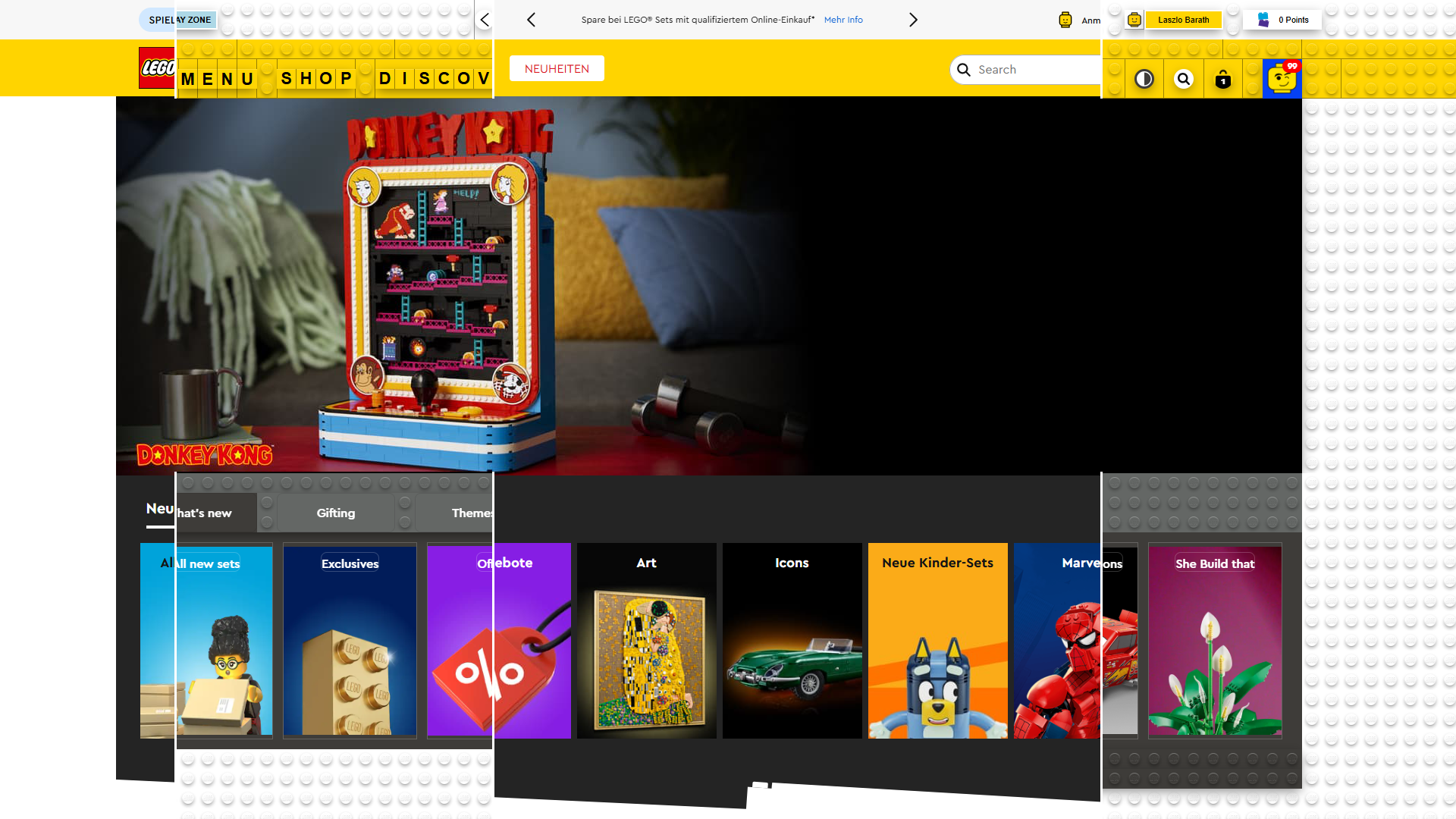
Every resolution has its own independently built LEGO structure instead of using traditional responsive layouts.1680px → Structure 1280px → Structure 769px → Structure 468px → Structure - JSON Build Architecture
Every responsive structure is stored as JSON, allowing complete websites to be rebuilt, edited and exported directly from the editor. - Completely New Build & Render System
A redesigned rendering pipeline capable of rebuilding LEGO structures after resizing, editing or runtime actions without rebuilding the entire application. - Custom React-inspired Rendering Engine
A custom rendering architecture designed specifically for LEGO structures, providing efficient updates and selective rebuilding of visual components. - LEGO Fiber Structure
Every LEGO element exists inside a centralized fiber structure, making rebuilding, synchronization and rendering significantly more efficient. - Global LEGO Element Pool
Every LEGO element is stored inside one global collection—like having every brick organized inside a single LEGO box. Every object remains instantly accessible for rebuilding, editing and rendering anywhere in the project. - Real-time Performance Monitoring
A background performance engine continuously analyzes rendering performance and automatically reacts while the application is running. - Adaptive Structural Rendering
Instead of reducing visual quality, the engine dynamically rebuilds scenes by increasing or decreasing the number of LEGO elements. Every rendered brick always remains 100% high quality while the overall scene adapts to the available hardware performance. - Front View Brick Builder
The existing 2D Plate editor is expanded with front-view brick construction, enabling complete LEGO models to be built directly inside the editor. - Dynamic Responsive Reconstruction
Complete LEGO page structures can be regenerated automatically whenever the viewport or layout changes. - Advanced Animation Engine
New animation systems designed specifically for LEGO structures, interactions and cinematic page transitions. - Audio Experience
Custom audio solutions that enhance interactions and create a more immersive, game-like browsing experience. - Interactive Animation Layers
Animation layers that open in response to user interactions, enabling fully immersive, lifelike 3D animations directly within the website.
When a LEGO character is selected, a dedicated animation layer unfolds directly within the page, replacing the static model with a cinematic real-time WebGL experience. The character comes to life through seamless transitions, expressive facial animations, and dynamic movement, all powered by the custom LEGO Face System, enabling high-fidelity browser-based character animation without leaving the interface. - Production-ready Visual System
A complete visual restructuring focused on transforming the concept into a scalable production platform. - Custom LEGO Elements - UI Components
A collection of newly designed LEGO interface elements that extend the official LEGO visual language while improving usability, flexibility and the overall user experience. - Procedural Generation Density Calculates the amount of procedural detail generated from the source layout. Higher values increase structural richness, decorative elements and LEGO complexity, while lower values generate cleaner and more lightweight builds.
- Next-generation Social Hub The Social Hub becomes a dedicated platform module responsible for every community-driven feature, including messaging, conversations, activity streams, social interactions and future collaborative systems.
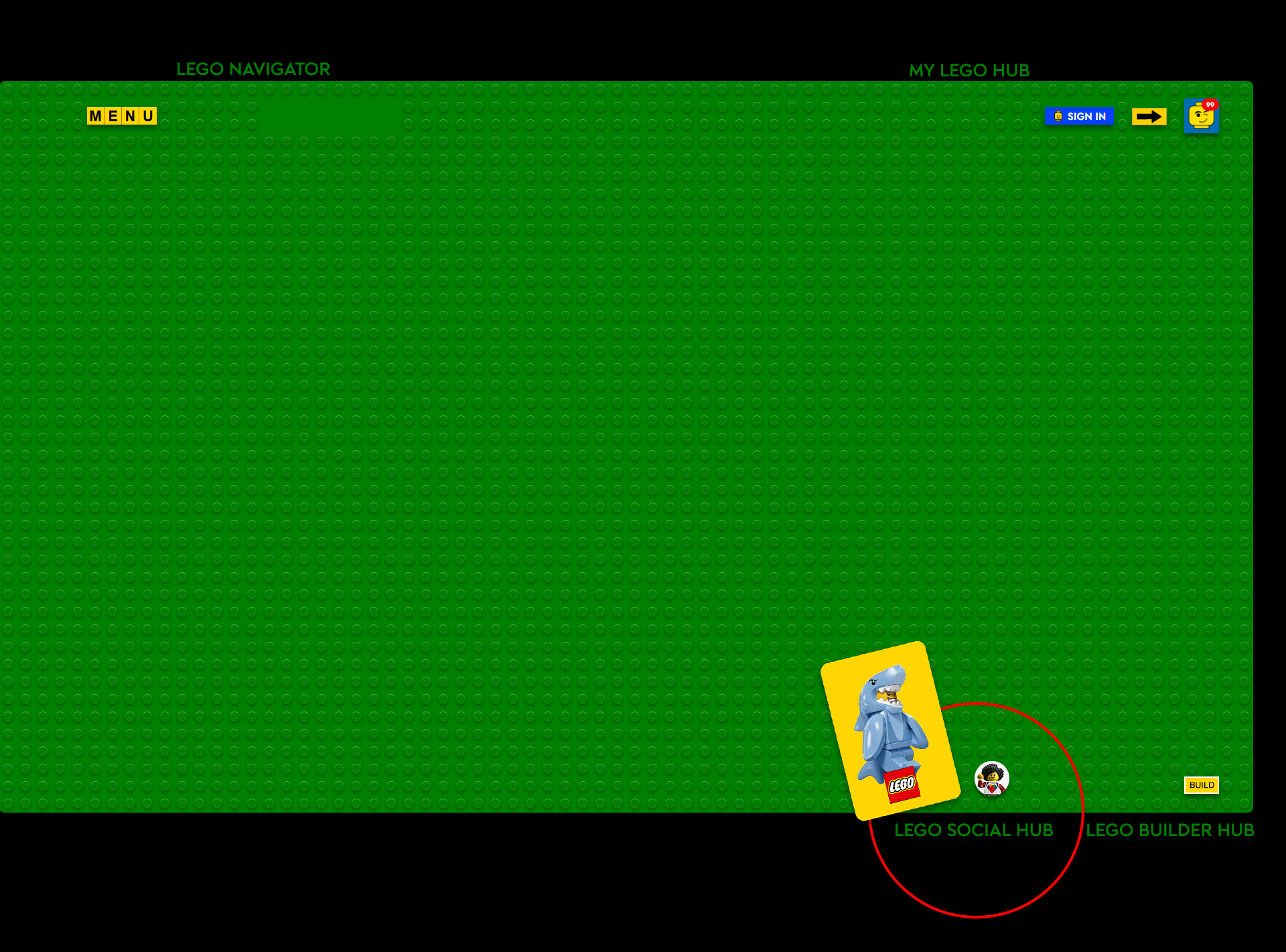
- Visibility Toggle
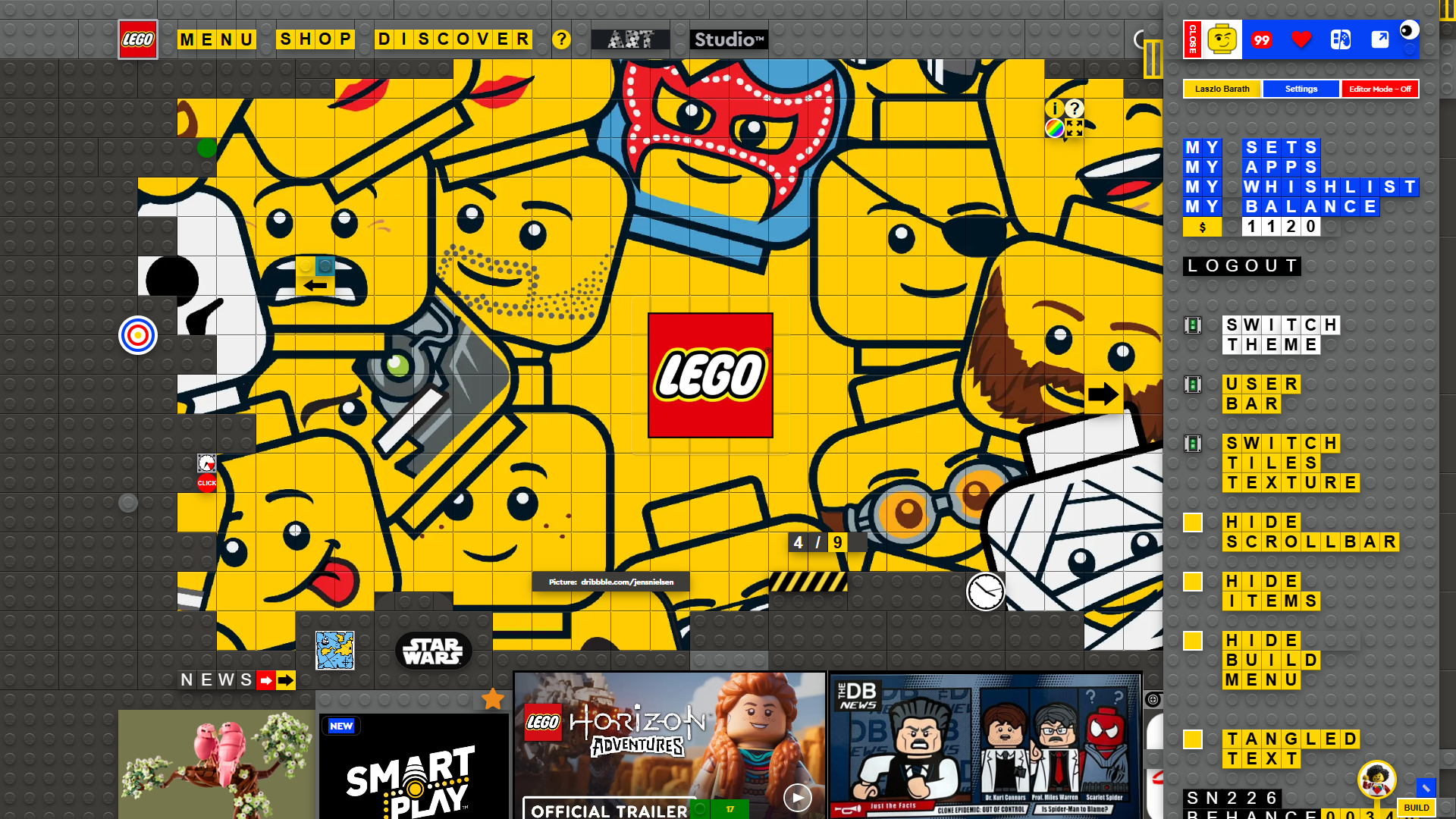
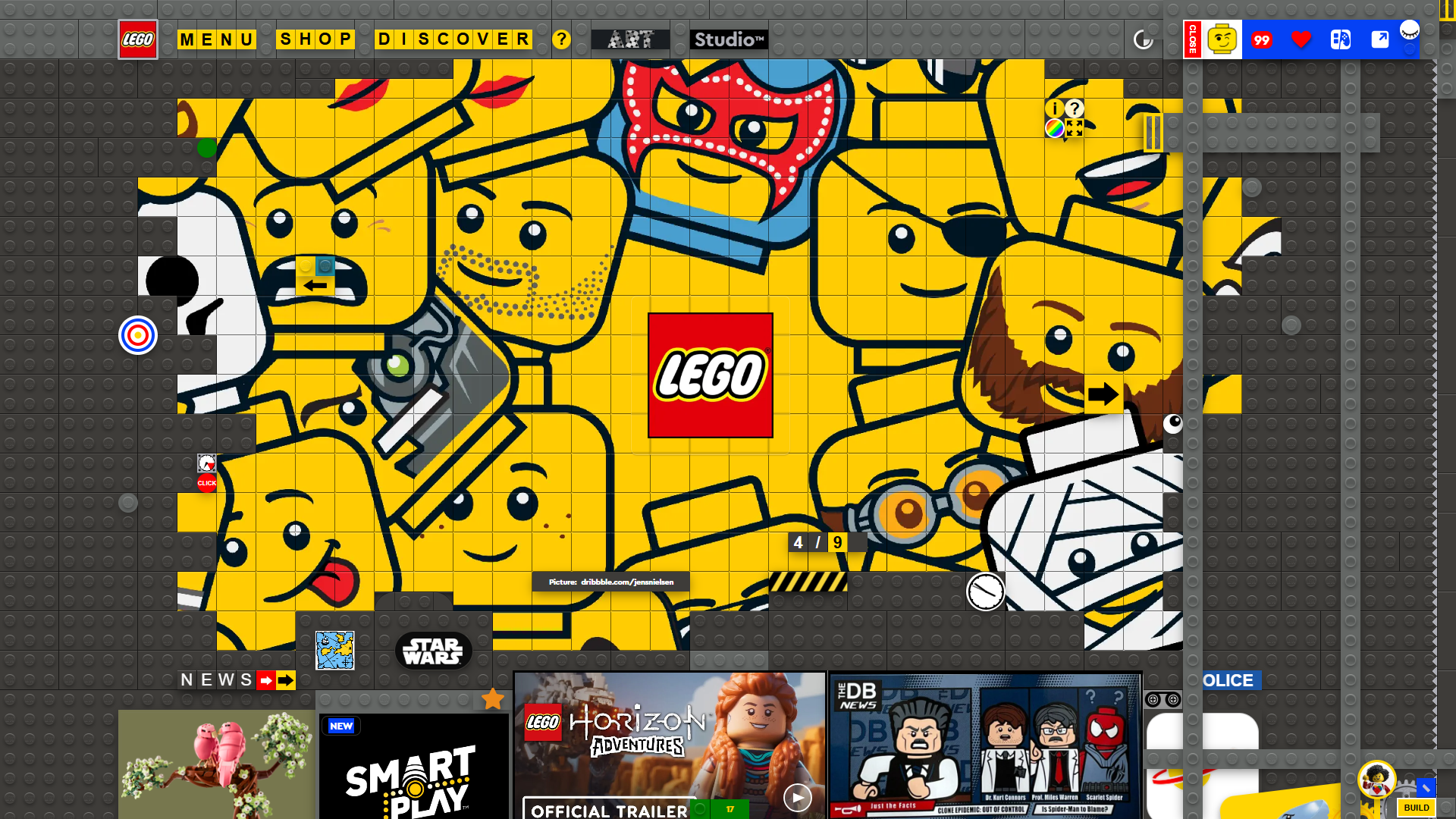
The Visibility Toggle allows you to quickly show or hide individual layers and structural elements. Clicking the eye icon switches an element between visible and hidden states, helping you focus on specific parts of the model or reveal underlying structures that would otherwise remain obscured. This makes it easier to inspect complex layouts, organize layered content, and work more efficiently within the editor.
- Admin Tools
- Product-ready Administration System
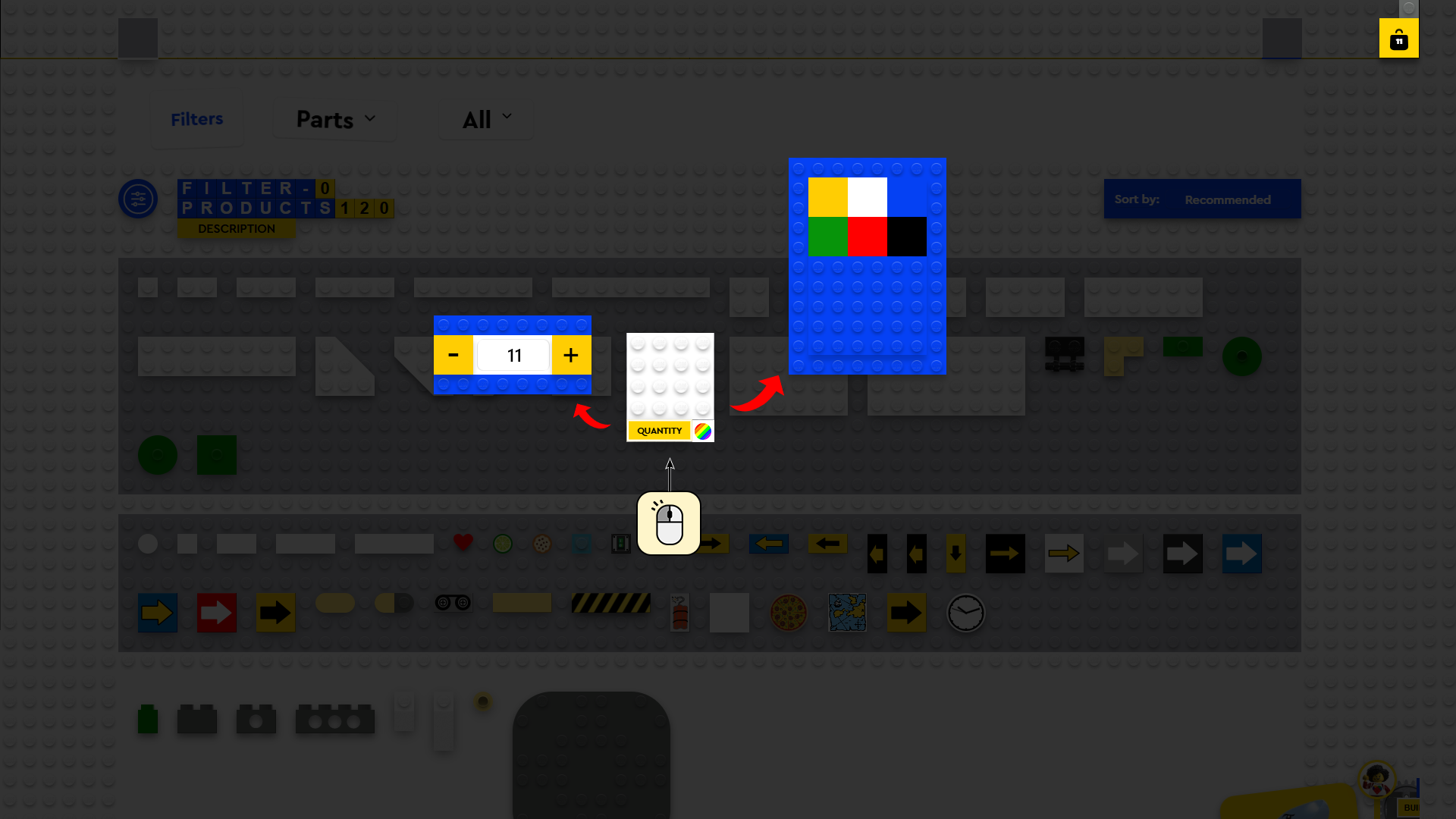
A complete administration interface for creating, editing and managing websites without programming. The editor combines all previously demonstrated LEGO building tools into a single visual workflow. - Visual Content Builder (Admin)
With the digital page builder designed for administrators, you can create complete page structures in seconds using modular sections. Add new products, landing pages, or website content with just a few clicks.
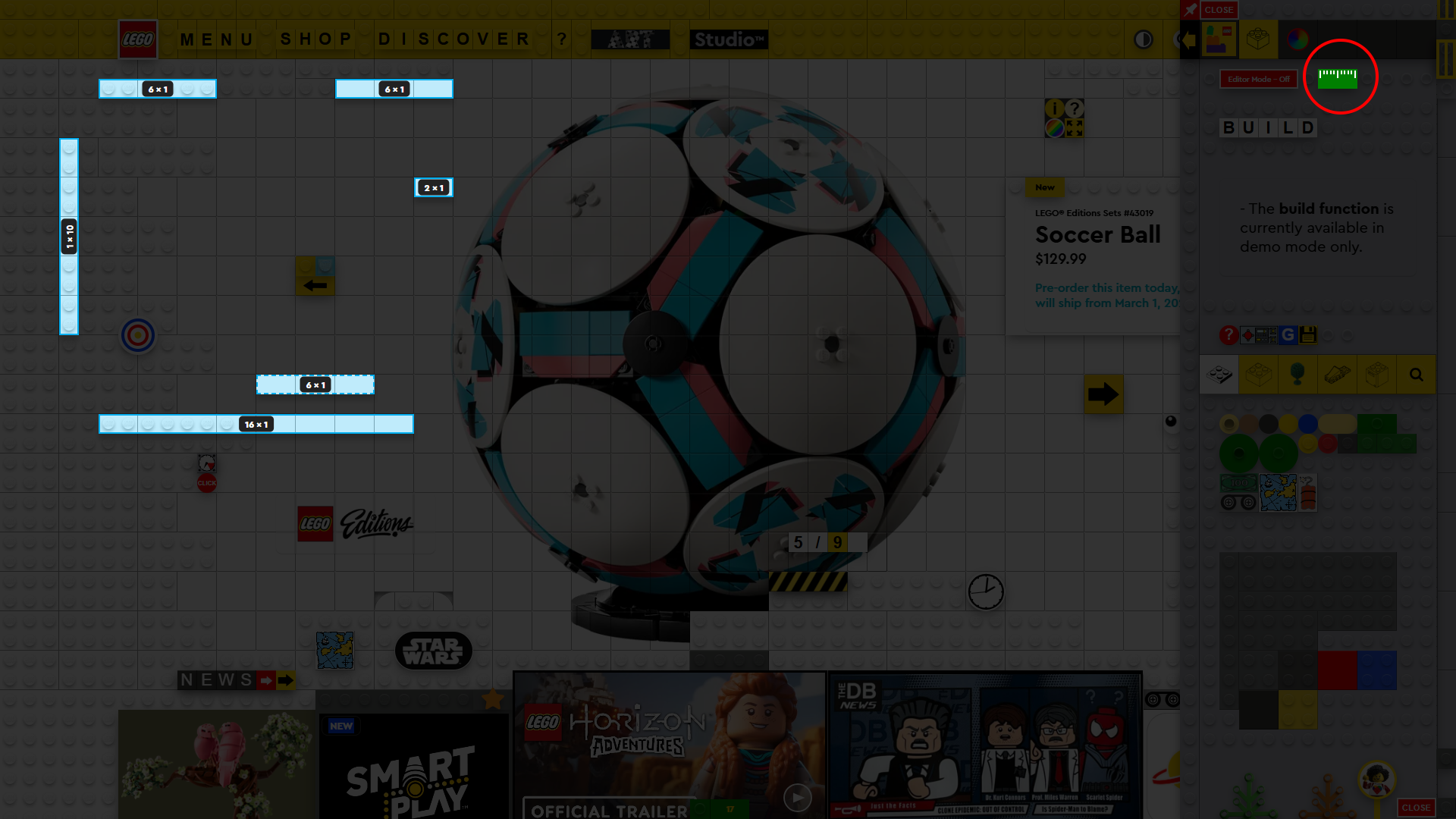
Need a new section, want to replace products, or update content? Changes can be published live in under a minute—without touching the code. - The Ruler Tool
provides precise measurements directly on the LEGO® grid, making it easy to verify dimensions while designing. Simply activate the tool, select a starting point, and drag across the grid to measure any horizontal or vertical distance. Measurements automatically snap to the 1×1 stud grid and are displayed in standard LEGO notation (for example, 1×6 or 8×1), ensuring accurate placement and consistent proportions throughout the design process. - Isolated Session Management per Page
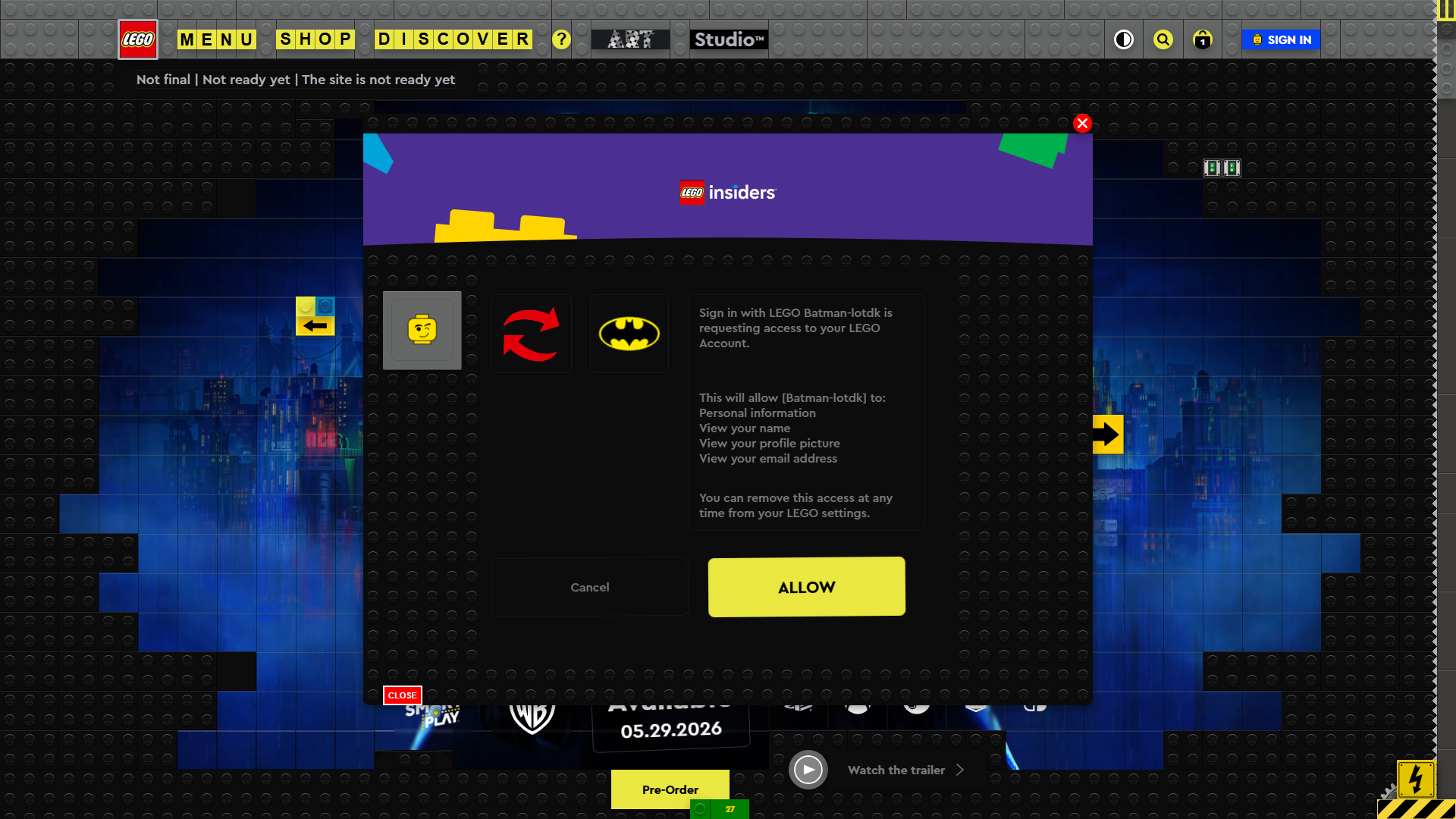
Individual pages and subpages can have their own isolated session management, allowing them to use separate registration and login flows when required. The system would work similarly to an application authorization model: users could authorize access to a specific page or subpage using their existing LEGO Account, without having to create a separate user account for each individual interface.
This allows individual pages to manage their sessions and permissions independently, while the LEGO Account serves as the central identity and authentication point.
See reference
→ Log in on the main page.
→ Then navigate to the Batman theme page, where you can see the separate session management in action.
12
15

17